How do I create my account or log in?Updated 3 hours ago
At Bokabas, there's no password to create or remember: your account works with a one-time login code, which is simpler and safer.
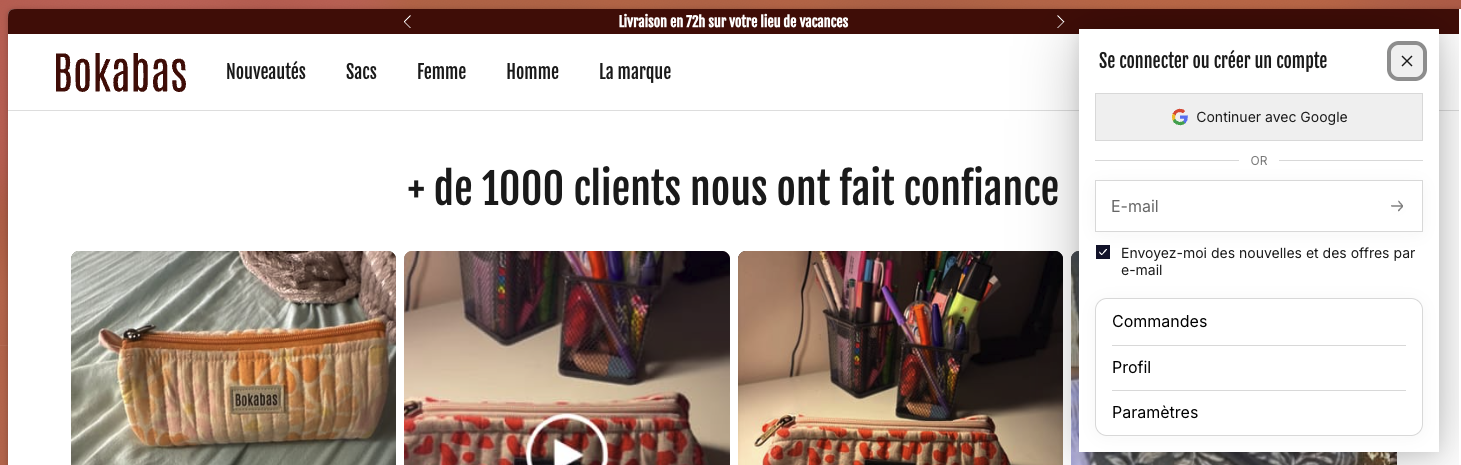
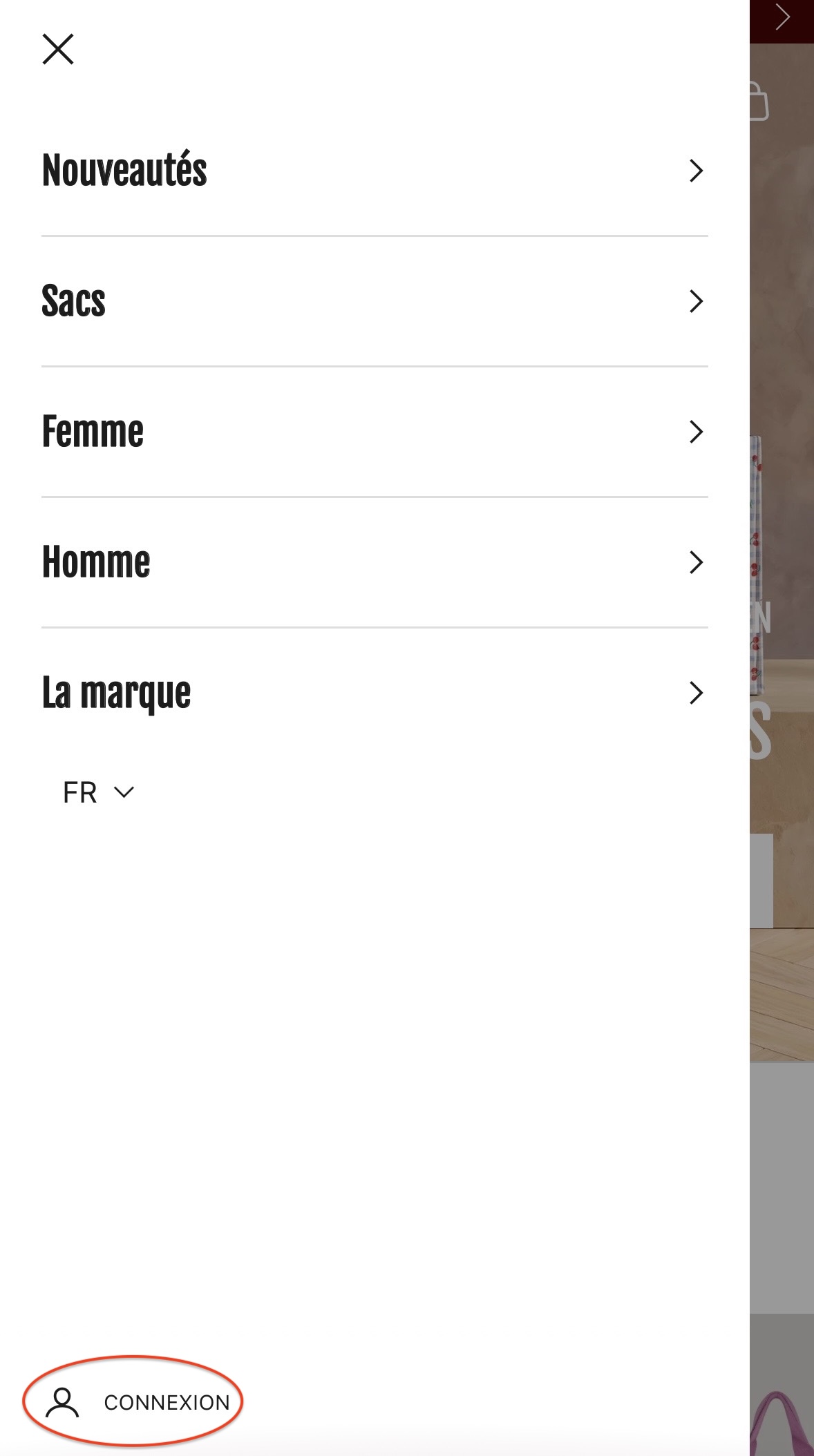
- Go to account.bokabas.com (or click the account icon at the top right of our website);
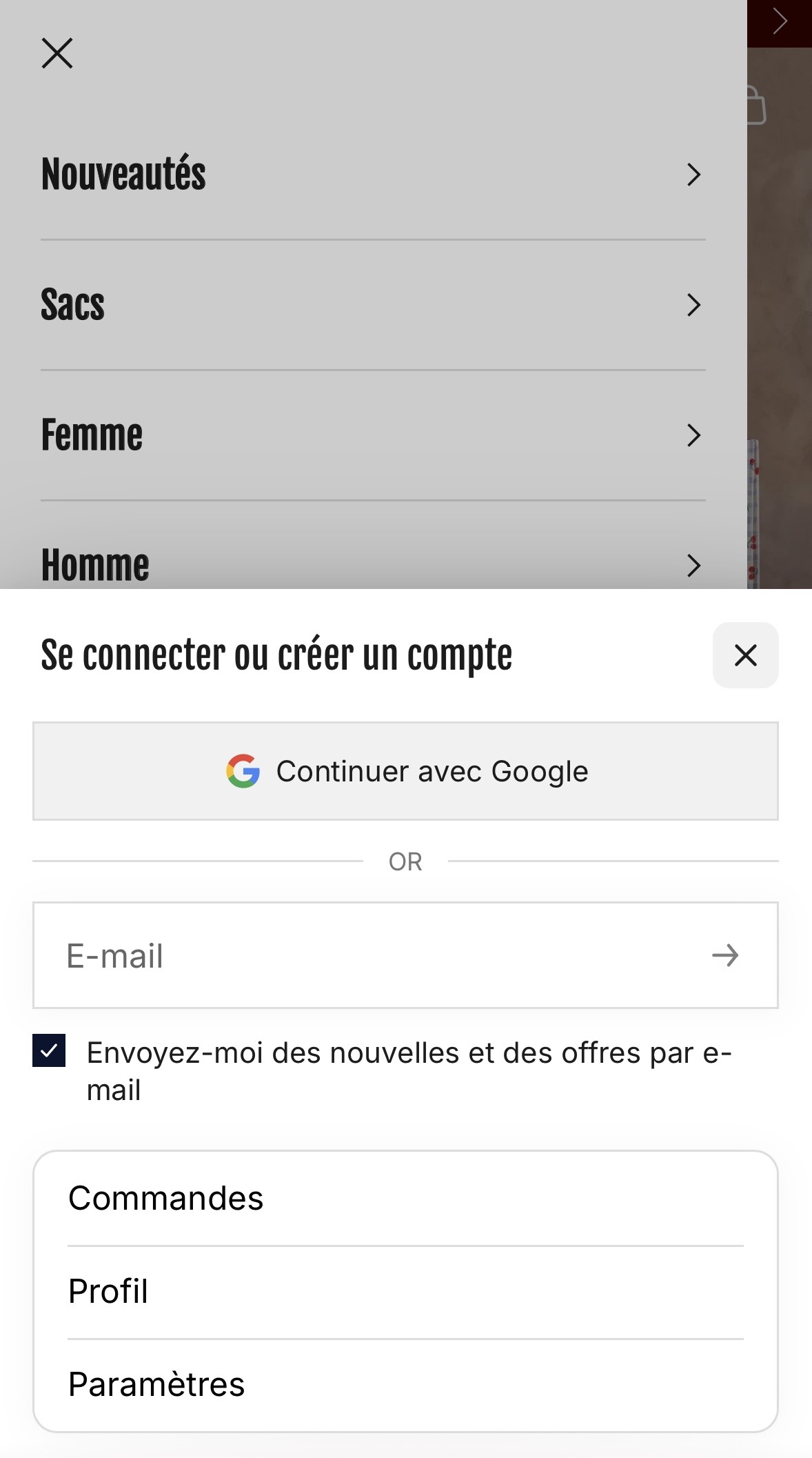
- Enter your email address, the one you used when ordering;
- You'll instantly receive a one-time code by email: enter it, and you're logged in.
Even faster: you can also log in with one click using your Google account (“Continue with Google”).
Your account is created automatically with your first order, so there's no sign-up form to fill out.
In it, you'll find your orders and their tracking, your return requests, and any store credit you may have.
Not getting the code? Check your spam folder, and make sure you're using exactly the same email address as when you ordered.
Here's what the login window looks like on our website: